A thank-you page is not delivery proof
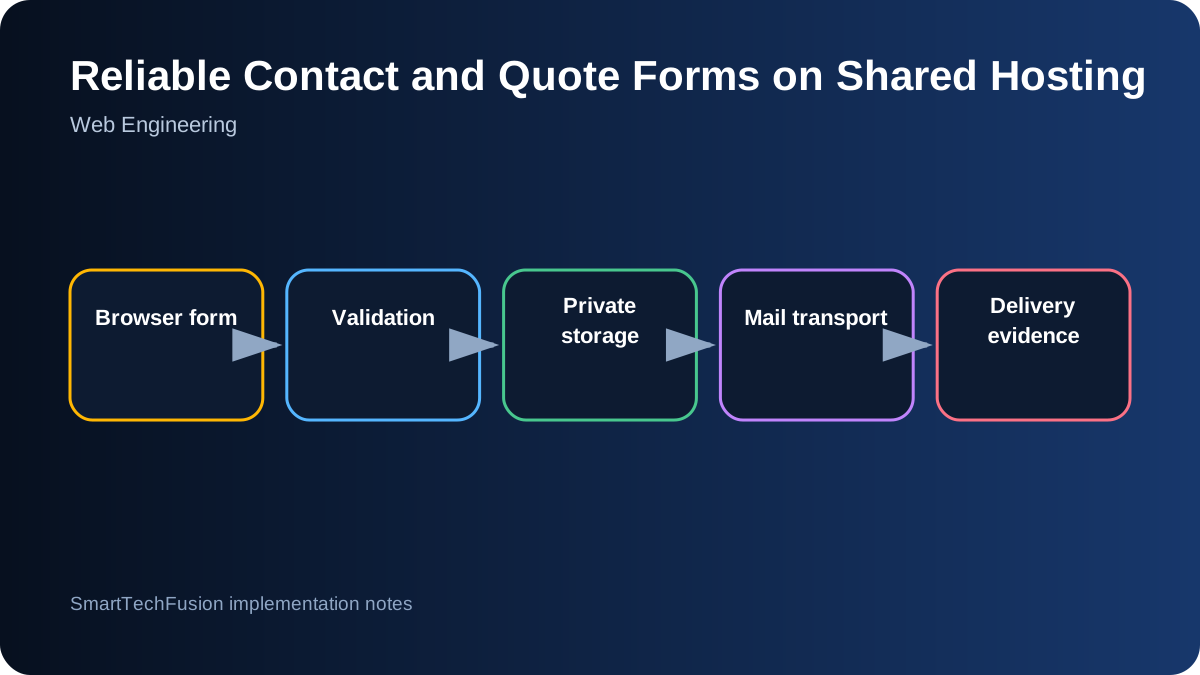
Many small websites call PHP mail and immediately redirect the visitor, even when delivery fails. That creates a false success state. The handler should validate the request, attempt storage and delivery, capture each result, and show a message that reflects what actually happened. A successful HTTP redirect only proves that the script ran.
Keep contact, quote, and review submissions as distinct workflows. They may share one handler, but the subject, required fields, storage category, and moderation rules differ. Include a hidden form type and validate it against an allow-list rather than trusting arbitrary values from the browser.
Validate and normalize every field
Require only the fields necessary for the workflow. Validate email format, length, selected product or service, quantity format, and message length. Remove carriage returns from header-bound values to prevent header injection. Escape values when displaying them, but preserve a readable plain-text version for the email and private record.
Add server-side validation even when HTML fields use required attributes. Browser checks can be bypassed. Return a clear error without exposing server paths or configuration. Use a honeypot and reasonable submission rate controls to reduce automated spam without forcing every visitor through a difficult challenge.
Use a real domain mailbox as the sender
The From address should be a mailbox authorized for the website domain, such as smarttec@smarttechfusion.com. The visitor’s address belongs in Reply-To after validation. Using an arbitrary visitor address as From conflicts with modern sender-authentication checks and can lead to rejection or spam placement.
Configure SPF, DKIM, and DMARC for the domain through the hosting provider. These records do not guarantee inbox placement, but they let receiving systems verify the sending domain. Test delivery to multiple providers and inspect message headers rather than assuming that a manual webmail test proves the PHP environment can send.
Save a private fallback record
Email is a transport channel, not the only record. Save each submission outside public_html when the hosting layout permits. If a fallback folder must exist under the web root, deny web access with server configuration and use unpredictable filenames. Store timestamp, form type, fields, request identifier, and mail result.
Protect the folder from directory listing and direct download. Avoid storing more personal data than necessary, define retention, and restrict cPanel access. The privacy policy should tell visitors what form data is collected and why. A private copy ensures the inquiry is not lost when mail delivery is delayed or blocked.
Prefer authenticated SMTP for production
PHP mail depends on the host’s local mail configuration and often provides weak delivery diagnostics. An SMTP library can authenticate to the domain mailbox, use TLS, set a consistent envelope sender, and return a meaningful server response. Keep credentials in a configuration file outside the public web root or in environment variables.
Use the hosting provider’s exact SMTP host, port, encryption mode, username, and certificate requirements. Do not hard-code credentials in a ZIP shared with clients. Add a connection test and log only non-sensitive diagnostic information. If SMTP fails, preserve the private submission and show a truthful status.
Send to controlled recipients
Multiple recipients can be included, but make sure each address is intentional and monitored. To avoid exposing recipients to one another, use separate sends or BCC as appropriate. Use a stable subject prefix and include the form type and item so mailbox rules can organize inquiries.
For reviews, do not publish directly from the form. Save the submission as pending and notify the site owner. A moderator should verify that the reviewer is a genuine customer, remove personal data that should not be public, and obtain permission before publishing a name or company.
Test the complete failure matrix
Test valid submission, invalid email, missing required field, honeypot trigger, storage permission failure, SMTP authentication failure, recipient rejection, and successful delivery. Confirm the visitor message, private record, server log, and received email for each relevant case.
Add a unique reference number to the email and saved record. This lets support compare a visitor report with the server copy. Reliable forms are not built by changing one From header; they are built by making validation, storage, transport, and user feedback independently observable.