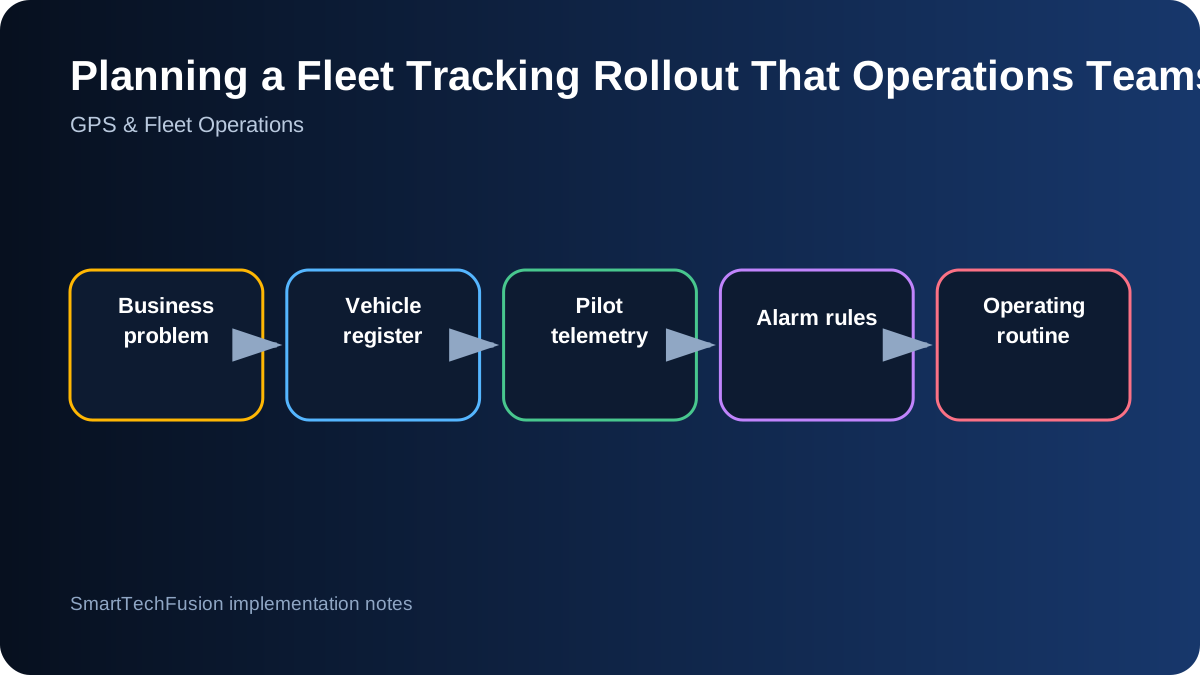
Start with the operating problem, not the map
A live map is visually impressive, but it is not a fleet-management plan. Before selecting hardware, define the decisions the system must support: locating a delayed vehicle, confirming a completed route, investigating an overspeed event, identifying a tracker that has gone offline, or producing a weekly utilization report. Those questions determine the data fields, alarm rules, user roles, and retention period that matter.
Write the first version of the scope in operational language. For example: “The transport coordinator must know which assigned vehicles have not reported for 30 minutes during working hours.” That statement is more useful than “show real-time tracking,” because it includes an owner, a condition, and an expected response. A good rollout is built around a small set of repeatable decisions rather than every possible feature.
Create a controlled vehicle and device register
The dashboard should not treat a tracker as the same thing as a vehicle. Keep separate records for the device identifier, SIM or network identity, vehicle registration, driver, customer or branch, installation date, and current status. This makes replacements and transfers auditable. A vehicle can change drivers, and a device can be moved, but the history should remain understandable.
Use a simple installation checklist for every unit: photograph the vehicle and installation point, record the device serial number, confirm ignition and power behavior, verify the first GPS fix, and save the test time. Those details prevent later confusion when a dashboard shows an unfamiliar device or when support staff need to distinguish a wiring problem from a platform problem.
Pilot the telemetry before promising the final dashboard
A controlled pilot should answer whether the device reports consistently in the real operating area and whether the available data is trustworthy. Test parked, idling, moving, ignition-off, weak-coverage, and overnight conditions. Compare dashboard speed and location against a known route rather than assuming every field from the device is accurate or supported by every vehicle.
Only expose fields that the device and vehicle combination can provide reliably. GPS location, timestamp, speed, voltage, network quality, and device status are usually easier to validate than vehicle-specific OBD values. Fuel or diagnostic data may vary by model and protocol. Label unsupported or estimated values honestly instead of filling dashboards with numbers that users will later distrust.
Design alarms as controlled state changes
An alarm should be a meaningful transition, not a repeated stream of identical notifications. For overspeed, define the threshold, minimum duration, reset condition, time window, and responsible person. For offline detection, distinguish a planned parked vehicle from an active vehicle that suddenly stopped reporting. This reduces alert fatigue and makes every notification more defensible.
Keep an acknowledgement trail. The system should show when the event started, when it cleared, who reviewed it, and any note that explains the outcome. A manager may need the summary; an operator needs the current queue; a technician needs raw device details. Those are different views of the same event and should not be forced into one crowded screen.
Turn history into an operating routine
History playback is useful when it answers a defined question. Build standard reports around late starts, route deviation, prolonged stops, missing reports, overspeed duration, and vehicle activity. Decide which reports are daily, weekly, or exception-only. Exporting everything to a spreadsheet without a review routine usually produces data that is stored but not used.
Assign ownership for each workflow. The platform administrator maintains users and device mappings. Operations reviews route and alarm exceptions. Management receives summarized trends. Technical support handles connectivity and installation faults. This division keeps the system from becoming a map that everyone can see but nobody is responsible for using.
Commission in phases and preserve evidence
Begin with a small number of representative vehicles rather than the easiest vehicles only. Include different routes, vehicle ages, and coverage conditions. Record acceptance results for location accuracy, reporting interval, ignition behavior, alarm generation, history playback, user permissions, and report export. A signed pilot checklist creates a clear point for deciding whether to expand.
After rollout, preserve a configuration export, device register, administrator guide, and support escalation path. Review alarm thresholds after real usage rather than locking the pilot values forever. The final objective is not simply to install trackers; it is to create a dependable operating habit supported by traceable data.