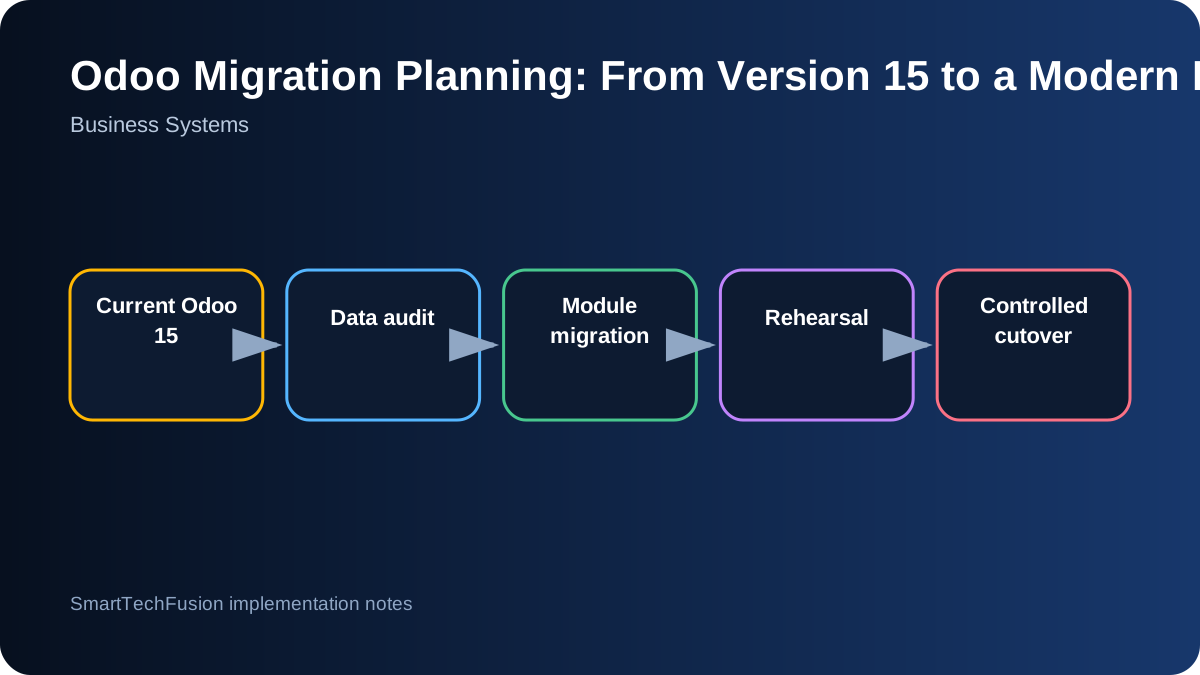
Treat migration as a business change
An Odoo major-version upgrade changes more than the database. Workflows, security, reports, custom modules, third-party connectors, and user habits may all be affected. Begin by identifying which business processes must remain unchanged and which improvements are expected from the new version.
Create a scope by company, geography, database, module, user group, and integration. Record statutory and localization requirements separately. A feature that works for one country or company may need different taxes, charts of accounts, document sequences, or access rules elsewhere.
Inventory standard, custom, and external dependencies
List installed modules and classify them as standard Odoo, Odoo Enterprise, localization, third-party, or custom. For each custom module, identify owner, source repository, purpose, models changed, views inherited, scheduled jobs, reports, and external APIs. Unused modules should be removed from scope only after confirming that no data or automation depends on them.
Map integrations such as payment gateways, shipping, e-commerce, banking, biometric devices, external databases, and custom mobile apps. Record credentials, endpoints, payloads, callback behavior, and support contacts. A migration is incomplete if the main screens work but an overnight integration silently stops.
Clean and profile source data
Measure record counts, duplicates, incomplete mandatory fields, invalid tax identifiers, inactive products, unmatched accounting entries, and attachment volume. Decide which historical data must remain in the live system and which can be archived with accessible reporting. Cleaning before migration is usually safer than carrying known ambiguity into a new schema.
Preserve immutable backups of the source database and filestore. Document the backup timestamp and restore test. A backup that has never been restored is only an assumption. Protect personal and financial data during transfer and restrict access to the migration team.
Adapt custom modules against the target APIs
Do not rely on simple version-number changes. Review Python APIs, XML views, JavaScript framework changes, security declarations, report templates, and removed models. Add automated tests for core custom behavior where possible. Use a controlled branch and record every compatibility decision.
Where a custom feature now exists in standard Odoo, compare behavior and decide whether to retire the customization. Reducing custom code lowers future upgrade cost, but only if the standard workflow meets the business and migration of historic data is addressed.
Run at least one full rehearsal
Create a copy of production and perform the complete migration with timed steps. Reconcile key counts and balances, then let representative users execute real scenarios: quotation to invoice, purchase to receipt, stock transfer, POS close, payment reconciliation, tax report, and management reporting.
Capture every defect and repeat the rehearsal after fixes. Measure downtime requirements and script repeatable commands. A rehearsal reveals unexpected data volume, long-running conversions, access problems, and user-interface changes while rollback is still easy.
Validate accounting and security explicitly
Financial validation should include opening and closing balances, general ledger totals, receivables, payables, taxes, bank reconciliation, retained earnings, currencies, and document sequences. Obtain sign-off from the responsible finance users, not only technical staff.
Review user groups and record rules because permissions can change across versions. Test with real role accounts for each company and geography. Administrators seeing all data does not prove that ordinary users have the correct restrictions.
Plan cutover, training, and rollback together
Freeze source transactions at a defined time, take verified backups, execute the final migration, run smoke tests, and release users only after business owners approve the critical checks. Communicate the freeze and expected downtime in advance. Keep the old system read-only if that supports a controlled transition.
Define rollback criteria and the latest time at which rollback remains practical. Train users on changed screens and workflows using the rehearsed database. Deliver migration scripts, module source, configuration notes, validation results, known differences, and post-launch support responsibilities.