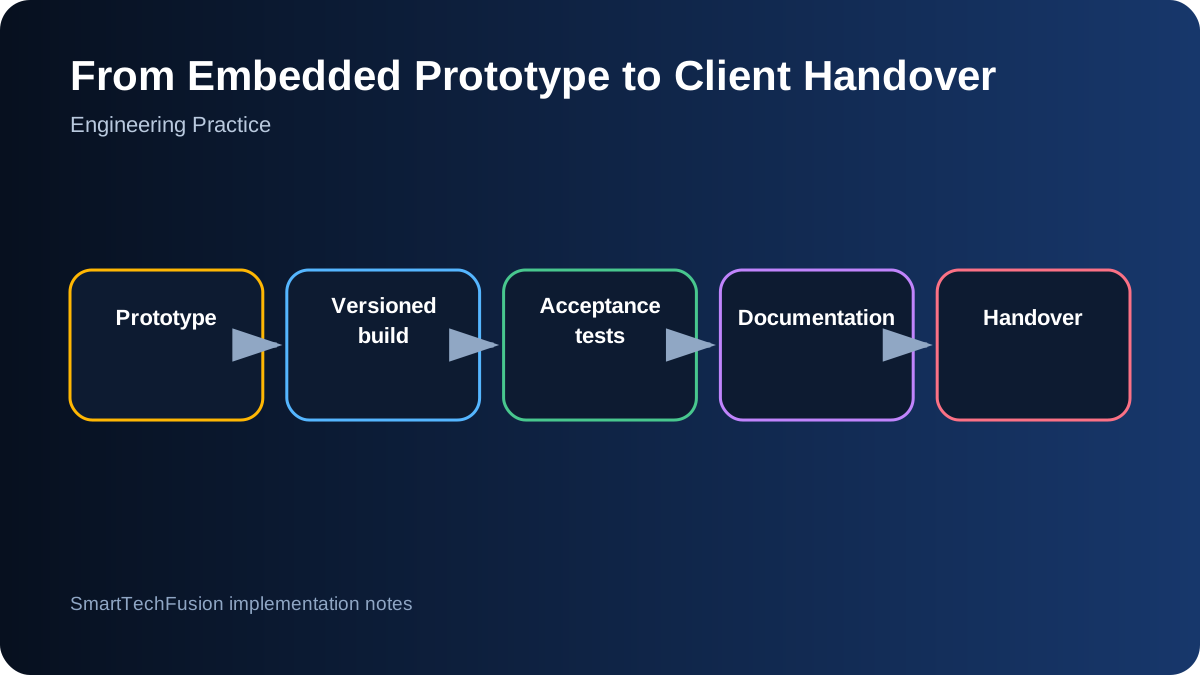
A working bench prototype is not yet a deliverable
A prototype often depends on the developer’s laptop, remembered wiring, local credentials, and one known hardware sample. A client deliverable must make those dependencies explicit and reproducible. Define the target hardware revision, operating system or toolchain, firmware version, configuration, and acceptance tests.
Freeze a release candidate before handover. Tag the source, record dependency versions, and produce binaries or install packages from that tag. Avoid delivering a folder that contains several unnamed “final” copies. A clear version lets later fixes be compared against a known baseline.
Separate source, configuration, and secrets
Source code should contain examples and safe defaults, not live API keys, Wi-Fi passwords, or client credentials. Provide a template such as secrets.example.h and document where the real file belongs. Add secret files to ignore rules so they are not accidentally committed or included in public archives.
Configuration should expose expected deployment choices without forcing code edits: device ID, server address, reporting interval, display selection, serial settings, thresholds, and log level. Validate configuration at startup and report a specific error when a required value is missing.
Document the physical build
Include a wiring diagram, pin table, connector orientation, supply requirements, fuse or protection notes, programming connection, and photos of the tested assembly. Record exact board variants because pinouts can differ across revisions with similar names.
Provide a BOM with manufacturer part number or a precise description, quantity, package, and acceptable substitutions where known. Distinguish prototype parts from production recommendations. A shopping link alone is not a durable component specification.
Test in layers
Use a progression such as power and current check, programming connection, peripheral self-tests, communication test, local application function, server integration, and complete end-to-end scenario. Each layer should have a pass criterion and a visible diagnostic output.
Include negative tests: missing sensor, wrong address, disconnected network, full storage, corrupt configuration, low battery, restart during operation, and server unavailability. Recovery behavior is part of the product. Record test firmware or commands so the client can repeat basic checks.
Write installation and recovery instructions
Installation should begin from a clean machine or fresh device image. List prerequisites, commands, expected output, service setup, permissions, and reboot behavior. Test the guide by following it literally. Steps that rely on the developer remembering an unstated action will fail during handover.
Provide backup and restore instructions, a factory-reset method where appropriate, log locations, and common fault checks. For remote systems, document how access is established and removed. Do not leave permanent uncontrolled remote credentials after commissioning.
Define acceptance around observable results
Acceptance criteria should describe what the client can test: a packet appears with the expected fields, a display shows the correct rotated image, a PLC register matches the HMI, an alarm is generated and acknowledged, or a motor reaches its sensed position. Avoid criteria such as “code completed.”
Attach screenshots, logs, videos, or test sheets for the release candidate. State assumptions and exclusions. If live SMS, payment, cloud, or third-party services require client credentials, distinguish implemented hooks from fully activated production integrations.
Set the support boundary
State the warranty or correction period, supported hardware and versions, response channel, and what counts as a new feature. Explain which accounts, subscriptions, domains, SIMs, or cloud resources the client must maintain. This prevents operational costs from being mistaken for software defects.
A good handover leaves the client with source, release files, configuration, documentation, test evidence, credentials ownership, and a clear next step. The goal is not merely to transfer a ZIP; it is to transfer control of a known system.