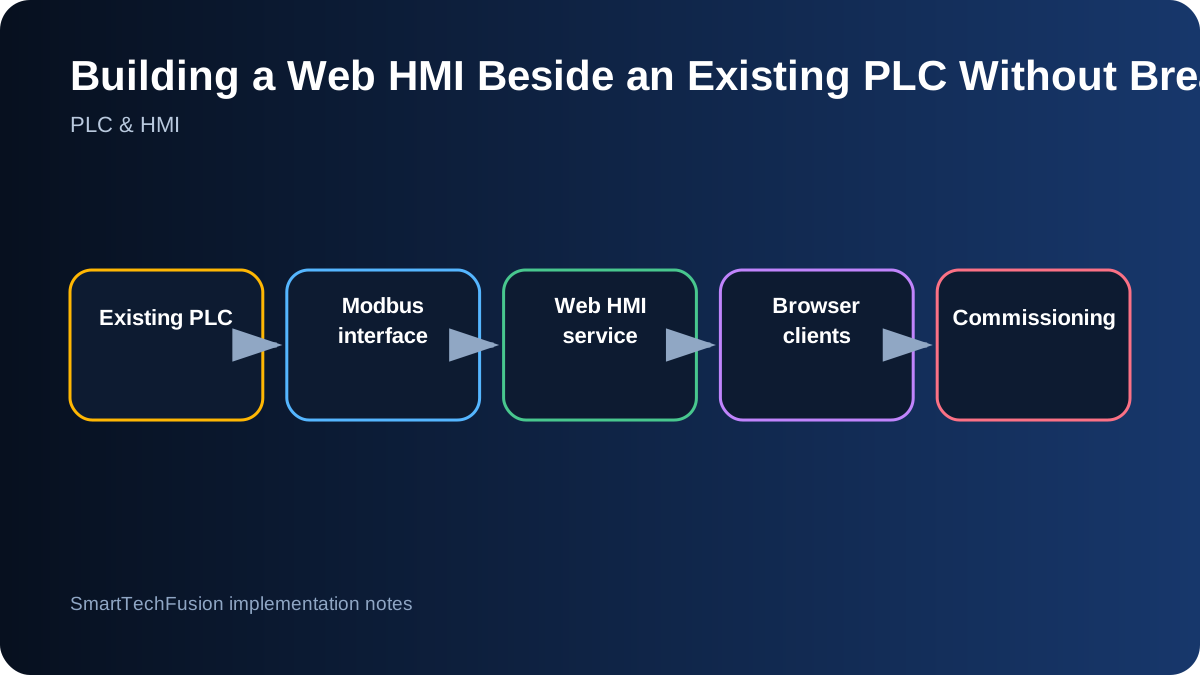
Preserve the control boundary
When an existing PLC and local HMI are already running a process, the safest first objective is visibility, not redesign. Keep interlocks, sequencing, alarms, and output decisions in the PLC. The web HMI should initially read approved registers and present them to authorized users. This avoids turning a network or browser problem into a process-control problem.
Write a boundary statement before development: which values are read-only, which setpoints may eventually be written, which commands remain local, and what happens if the web service is unavailable. This statement keeps the project disciplined when stakeholders later ask for convenient but risky remote controls.
Create a verified tag register
Build a tag table containing the PLC address, data type, scaling, units, read/write permission, valid range, update rate, display name, and source screen. Do not infer addresses from screenshots alone. Confirm them against the PLC program, HMI project, or a controlled live test.
Start with one known register and prove the entire path: PLC value, Modbus response, HMI device configuration, tag display, and refresh behavior. Once that value is stable, add small groups. This method catches IP, port, unit ID, byte order, and scaling mistakes before a large screen makes the fault difficult to isolate.
Run the web HMI as a contained service
A Docker-based deployment can package the HMI and its configuration, but the container still needs a clear network path to the PLC and persistent storage for project files. Pin the image version, document ports, and back up the mounted data. Avoid automatic upgrades on a production machine unless the change has been tested.
Add a health check and a simple restart procedure. The industrial PC should start the service after reboot, but failure should not affect PLC control. Keep the PLC network separated from unnecessary internet exposure. Remote support should use a controlled access method rather than publishing the HMI directly to the public internet.
Replicate familiar screens before improving them
Operators already understand the existing HMI layout. Reproduce the main process overview, colors, labels, and navigation closely enough that the web version feels familiar. This reduces training and makes side-by-side comparison easier. Novel visual design is less valuable than unambiguous process state.
After the core screens are accepted, add web-specific improvements such as responsive layout, clearer trends, searchable alarms, or exported logs. Make changes in stages so the operator can identify whether a discrepancy comes from the data or from a redesigned presentation.
Handle writes as an explicit later phase
If remote setpoints or commands are required, add role checks, range validation, confirmation, and a write audit. Momentary commands need defined pulse behavior. Continuous setpoints need engineering-unit validation before conversion to the PLC register. Never allow the browser to write arbitrary addresses.
Coordinate writes with the existing HMI and PLC logic. Two interfaces can overwrite each other if ownership is unclear. Where possible, use command/acknowledge registers or a PLC-managed request pattern rather than writing outputs directly. The PLC should still decide whether a request is permitted.
Treat trends and logging as engineered features
Define sample period, retention, units, and gap behavior for each trend. Logging a slowly changing humidity value every second may create unnecessary data, while a fast pressure event may need a shorter interval. Make timestamps and time zone explicit, particularly when data is exported for client review.
Validate that displayed corrected values, raw values, and logged values follow the same scaling and offset rules. If an operator can save a calibration offset, document where it is stored and how it survives power loss. Trends are only trustworthy when the calculation path is consistent.
Commission in parallel before replacing anything
Run the existing HMI and web HMI together. Compare states, values, alarms, and trends across normal operation and known test conditions. Record differences and resolve them before considering wider access. Parallel operation provides a safe reference and avoids forcing the new interface into service prematurely.
Provide a final tag register, network diagram, Docker compose file, backup, restore procedure, user guide, and screen acceptance list. A web HMI is successful when it adds access and clarity without weakening the control system that already works.